Apple removed Launchpad. We brought it back — and made it better. Full-screen app launcher with folders, search, sorting, trackpad gestures, and more. Built entirely in Swift.
Native Swift. Zero dependencies. Privacy first.
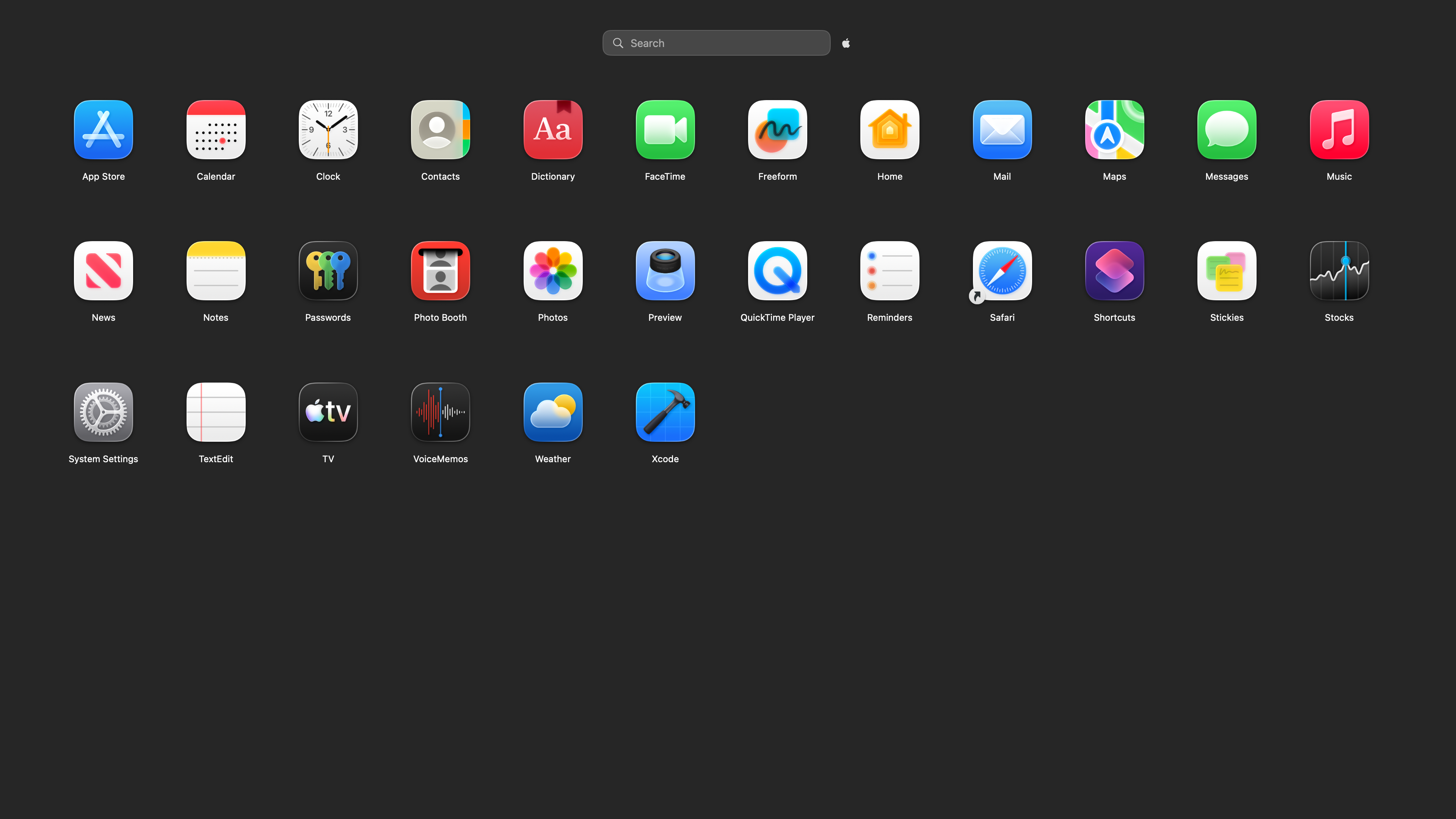
However you used to open Launchpad, it still works. Keyboard shortcut, trackpad pinch, hot corners, custom shortcuts, or the menu bar — Retro Launch is always one gesture away.
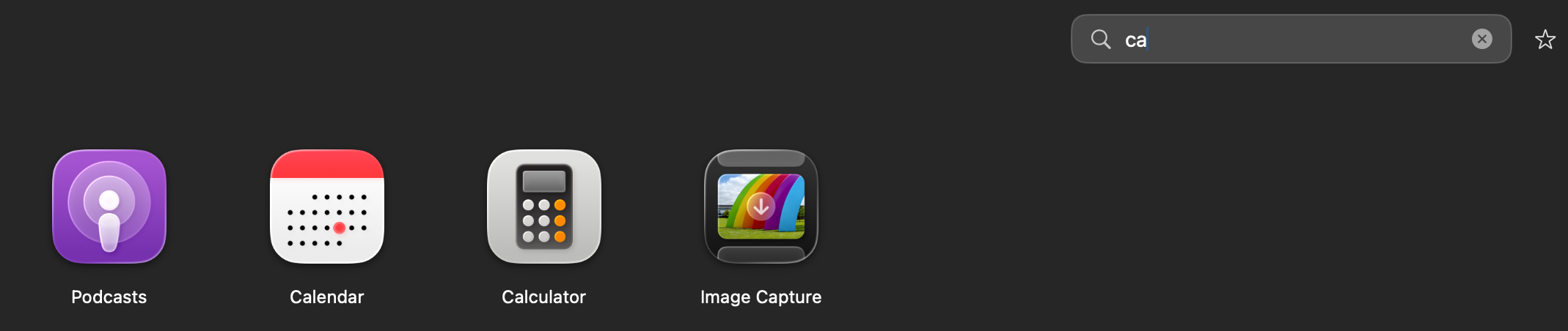
Start typing to instantly filter your apps. Search finds apps by name and even looks inside folders to surface matches. No clicking, no scrolling — just type and launch.
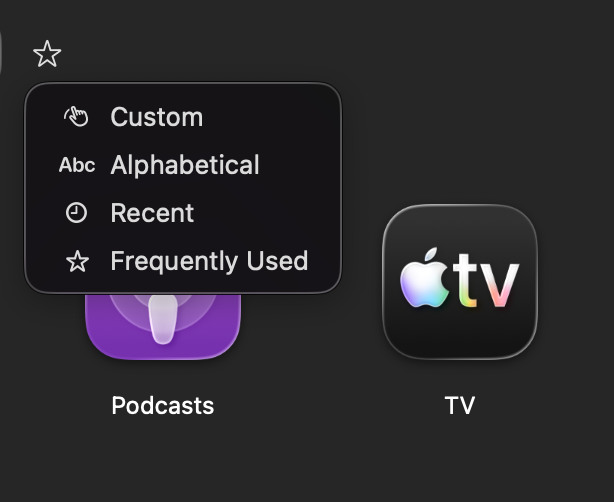
Alphabetical, recently used, most frequently launched, or your own custom drag-and-drop order. Switch between them anytime.
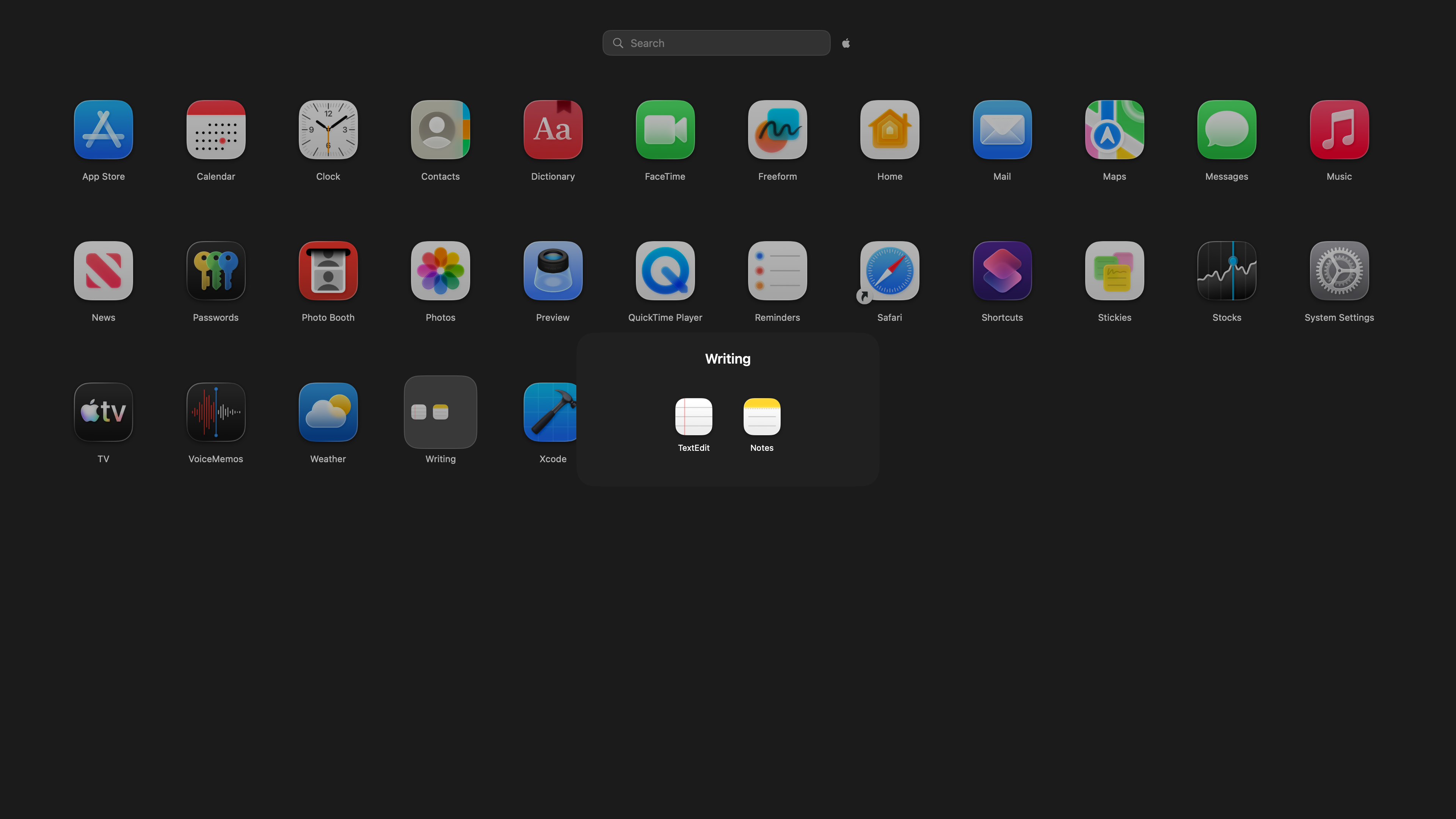
Drag one app onto another to create a folder — just like on your iPhone. Rename folders, add or remove apps freely. Folders auto-dissolve when empty so your layout stays clean.
Three icon sizes, three grid densities, three animation speeds. Show or hide system apps, launch at login, show in all Spaces. Export your layout to back it up or share between Macs.
All data is stored locally on your Mac. No accounts. No cloud sync. No tracking. No analytics.
Your layout, preferences, and usage data never leave your Mac. Ever.
Zero analytics, zero telemetry, zero data collection. We don't even have a server.
Pure Swift. No third-party frameworks, libraries, or SDKs. Just your Mac and our code.
Launches instantly and uses minimal system resources. No background processes.
Bring back the app launcher Apple took away. Built for macOS Tahoe and beyond.